起因
25年6月低的时候,买了一款红米的显示器
红米G27U
这款显示器总体来说还是很有性价比的
双模,4k 160hz/1080p 320hz
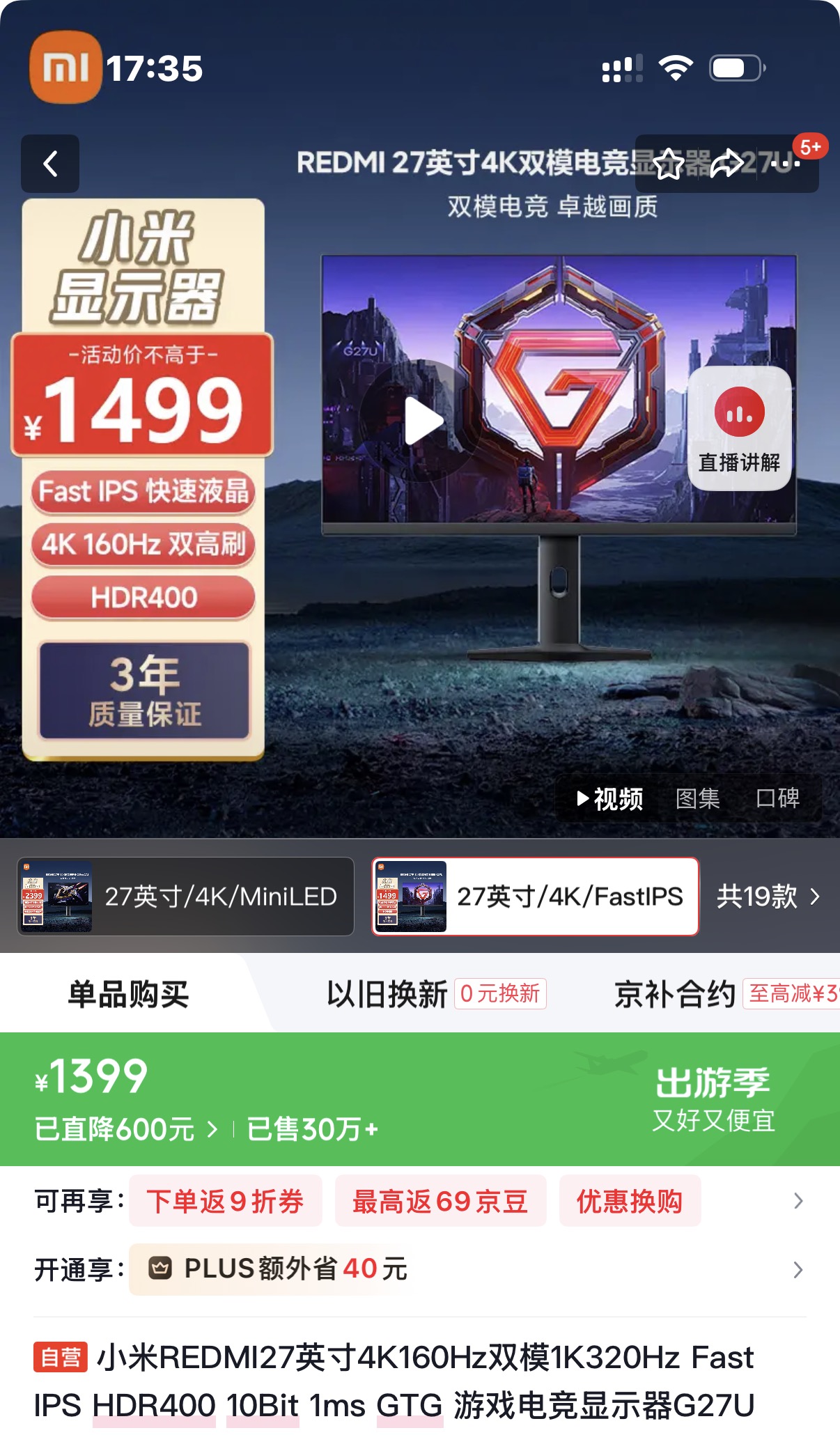
买的时候主要是想拿来打cs的,其次4k看起来也很舒服
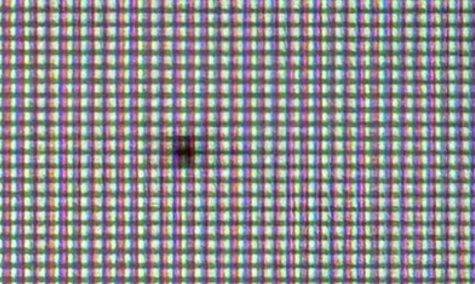
但是26年初的时候,就出现了一些坏点
联系京东小米客服,客服给了维修师傅电话
维修师傅打电话来询问买了多久
看样子时间不到一年,
就直接说给我换一台新的;
这解决方法很简单粗暴啊,不过我喜欢😋
BLOG ARTICLE
AI SUMMARY
作者于2025年6月底购买红米G27U显示器,主打双模(4K 160Hz/1080p 320Hz),兼顾游戏与日常使用。2026年初屏幕出现坏点,联系京东小米客服后,维修师傅因购买不满一年,直接提出换新。用户对简单粗暴的解决方案表示满意。
25年6月低的时候,买了一款红米的显示器
红米G27U
这款显示器总体来说还是很有性价比的
双模,4k 160hz/1080p 320hz
买的时候主要是想拿来打cs的,其次4k看起来也很舒服
但是26年初的时候,就出现了一些坏点
联系京东小米客服,客服给了维修师傅电话
维修师傅打电话来询问买了多久
看样子时间不到一年,
就直接说给我换一台新的;
这解决方法很简单粗暴啊,不过我喜欢😋
评论
0 条评论加载中...